Building Linda: An AI Assistant from Scratch
Engineering
A deep dive into the architecture decisions behind Linda Assistant — from SwiftUI to server-side AI agents.

Creating a full-stack AI assistant from scratch is a complex and time-consuming process. Especially when there are multiple existing assistants out there — ChatGPT, Claude, Gemini — made by model providers, already powerful enough to attract users. ChatGPT has a native app experience on iOS, Android, and macOS. It provides everything from coding to image generation, from deep research to casual conversation, and from writing assistance to learning companion. So why do we want to build another assistant?
The difference in initiation
Traditional AI assistants are user-initiated — the user triggers the first message, and the assistant responds. This is suitable for QA and task-based interactions, but it is inherently passive and reactive. In most sci-fi movies and shows, we imagine AI assistants that are proactive and "agentic" — agents that process information and make decisions on their own, in a timely and data-driven manner.
We want the agent to proactively monitor data from the outside world, summarize information for the user, and take actions on the user's behalf — booking a restaurant, sending an email, or even generating a daily briefing based on the user's schedule and inbox.
This fundamental difference in initiation drove every architectural decision we made.
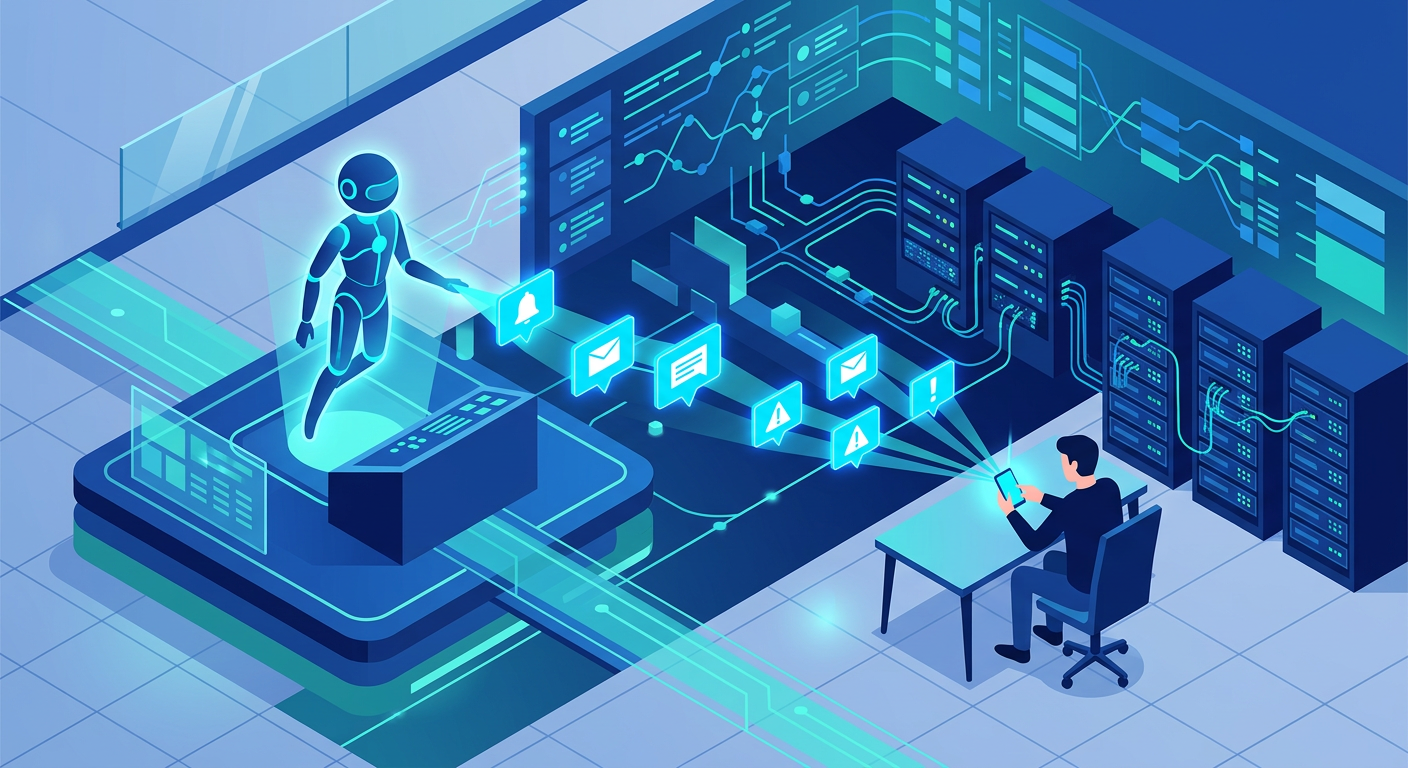
System architecture overview
Linda is composed of six independently deployable services, orchestrated on Kubernetes:
The Next.js Backend serves as the central hub — handling API routes, SSE streaming, authentication, and database access. When a task arrives, it delegates the heavy lifting to a Worker process that runs the agent loop independently, consuming tasks from RabbitMQ and publishing streaming events back through the same broker. A Celery Scheduler (Python-based, backed by RedBeat for persistence) handles recurring jobs like daily briefings.
On the infrastructure side, Redis manages stream chunk caching, sequence numbering, and active-session tracking, while Mem0 provides long-term memory through vector search powered by Upstash Vector.
The streaming problem
Why HTTP streaming is not enough
HTTP streaming (Server-Sent Events) is the standard way to deliver real-time AI responses. When the user sends a message, the backend opens a stream to the model provider and forwards chunks to the client in real time. This works well for the traditional request-response pattern.
But what happens when the agent is the initiator? The user isn't waiting on an open HTTP connection — they might have closed the app. We can't just open a stream when there's nobody listening.
Furthermore, in a traditional design, the agent loop runs inside the same process as the HTTP endpoint. But since we're separating the agent into its own worker process, we need a way to bridge the gap between where chunks are produced (the worker) and where they are delivered (the SSE endpoint).
Decoupled streaming with RabbitMQ and Redis
Our solution separates chunk production from chunk delivery using a message queue:
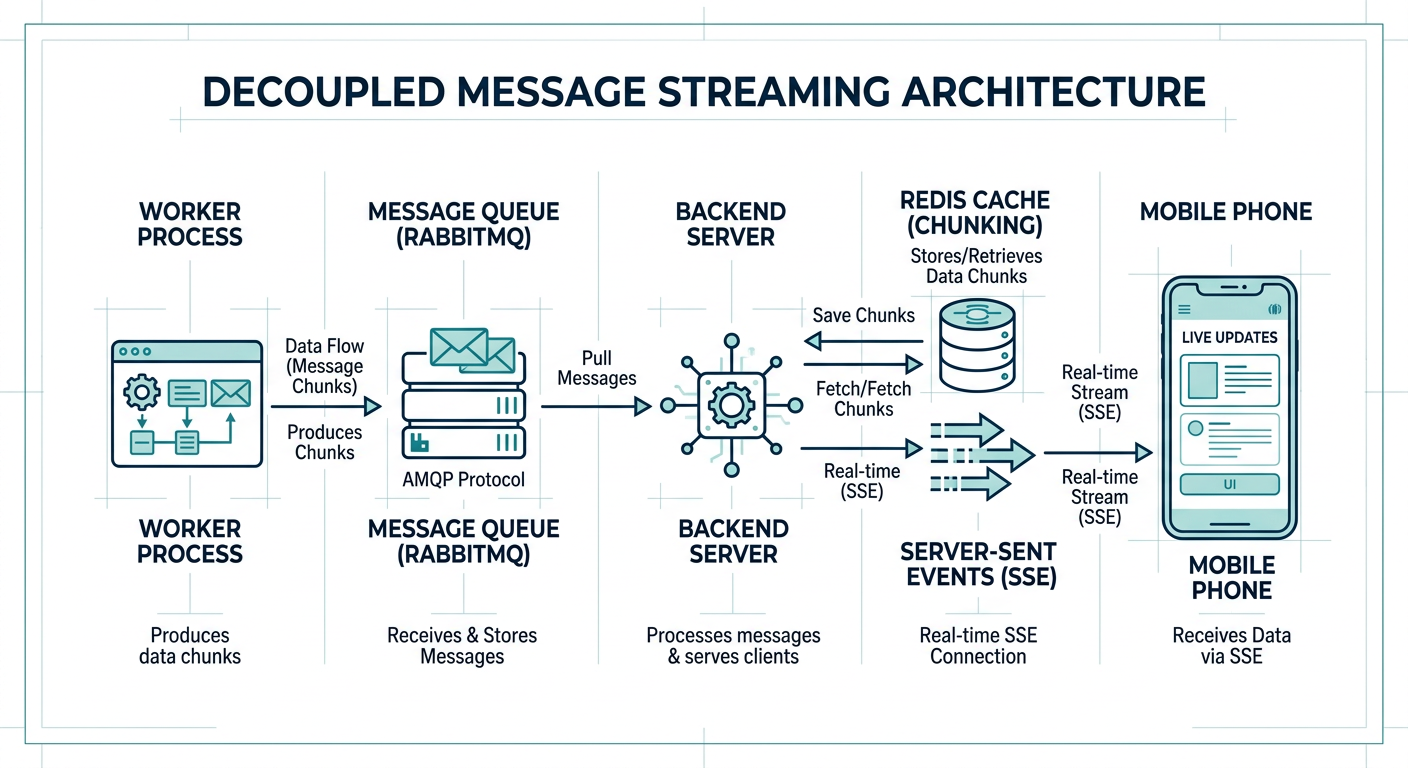
Every chunk gets a monotonic sequence number via Redis INCR, so the client can detect gaps and request a replay. All chunks are also cached in Redis with a 1-hour TTL, which means late-joining clients can replay the full response from cache. An active-session flag prevents duplicate processing — if a worker is already handling a session, new tasks are simply skipped. And when the agent finishes but the user isn't actively streaming, a push notification ensures proactive responses still reach them.
Stream replay for reliability
Network interruptions and app backgrounding are the norm on mobile. When the iOS app reconnects, it sends its last-seen sequence number and receives only the missing chunks from Redis. This gives us at-least-once delivery without the complexity of WebSockets.
The agent loop
The heart of Linda is the agent loop — a multi-step AI reasoning process powered by the Vercel AI SDK's streamText with tool calling.
How it works
When the worker receives a task from RabbitMQ, it loads the conversation history from the database and builds a tool set based on the user's permissions. It then runs streamText with up to 20 reasoning steps, where each step can involve tool calls, user confirmation requests, or text generation. Once all steps complete (or the user aborts), the final messages are persisted back to the database.
Context management
Conversations can span hundreds of messages and tool calls, so context window management is critical. Linda uses a 75,000-token context window shared across all models. When estimated tokens exceed 75% of the window, a compaction process kicks in — it summarizes older messages into a concise digest while keeping the 6 most recent messages verbatim. Verbose tool results are also compressed to reclaim space. This allows conversations to run indefinitely without hitting context limits.
Tool system and permissions
Linda comes with 20+ built-in tools spanning several categories:
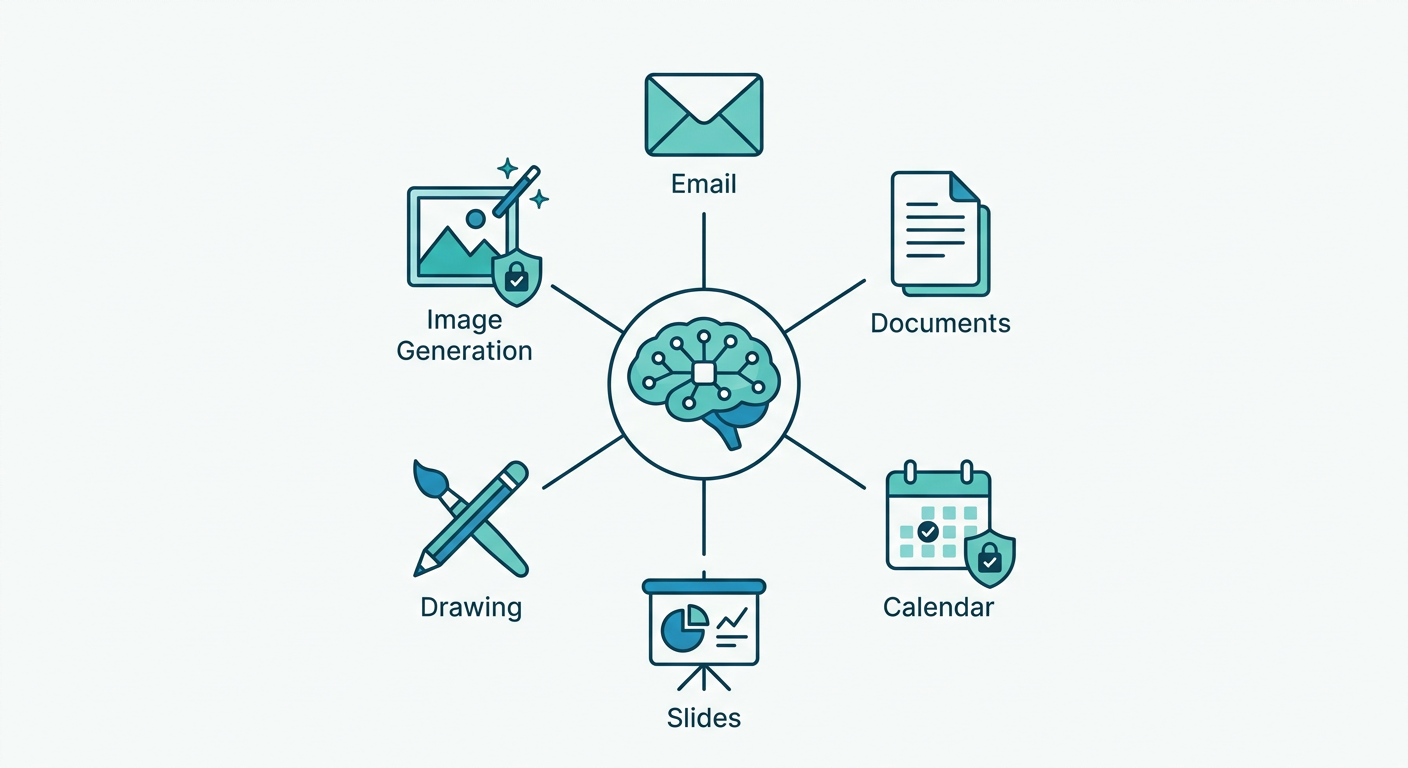
| Category | Tools |
|---|---|
| Communication | send_email, search_emails, send_notification |
| Task Management | create_task, update_task |
| Documents | create_document, update_document, search_documents |
| Creative | create_slides, update_slides, create_drawing, generate_image |
| Information | get_current_time, get_location, search_history |
| Interaction | ask_question, request_upload, read_uploaded_file |
| Briefings | create_briefing |
Permission-aware execution
Not all tools should auto-execute. Sending an email on the user's behalf requires explicit approval, but searching documents doesn't. Linda uses a three-tier permission model: tools can be auto-confirmed (executing immediately, like search_documents), manual-confirmed (the agent pauses and sends a push notification for the user to review and approve), or auto-rejected (removed from the agent's toolset entirely).
Permissions are configurable per-assignee and per-task. They can even be conditionally auto-confirmed — for example, auto-approving send_email only when the recipient is within the company domain.
Extensibility with MCP
Beyond built-in tools, Linda supports Model Context Protocol (MCP) servers as extensions. Users can connect external services — calendar, invoice systems, home automation — and the agent discovers their tools dynamically.
To avoid loading all extension tools upfront (which would bloat the context), we use a lazy loading approach with three meta-tools. The agent first calls search_tools to perform a semantic search over all available extension tools using embeddings, then read_tool to fetch the full schema of the tool it wants, and finally use_tool to invoke it on the MCP server. This way the agent only loads tool details when it actually needs them, keeping the base prompt lean even with dozens of connected extensions.
Triggers: making the agent proactive
In a traditional assistant, only user messages trigger the agent loop. Linda supports four trigger types.
The most straightforward is user messages — the standard path where a message is published to RabbitMQ as an AgentTask. But the more interesting triggers are the autonomous ones.
Cron jobs are managed by the Celery scheduler with RedBeat for persistence. When a cron fires, it calls back to the backend's /api/tasks/{id}/execute endpoint, which publishes a task to the worker queue. This powers daily briefings, periodic data checks, and scheduled reports.
Timezone handling is done at registration time — cron expressions are converted from the user's local timezone to UTC, so the Celery scheduler always operates in UTC.
Webhook events allow external systems to trigger the agent directly. When a webhook arrives, the backend creates a new message in the task's session and publishes a task to the queue. Similarly, email events let Linda monitor an inbox and trigger agent runs when relevant emails arrive, enabling autonomous triage, summarization, or response.
iOS app: native SwiftUI experience
The iOS client is built in pure SwiftUI with a modular package architecture.
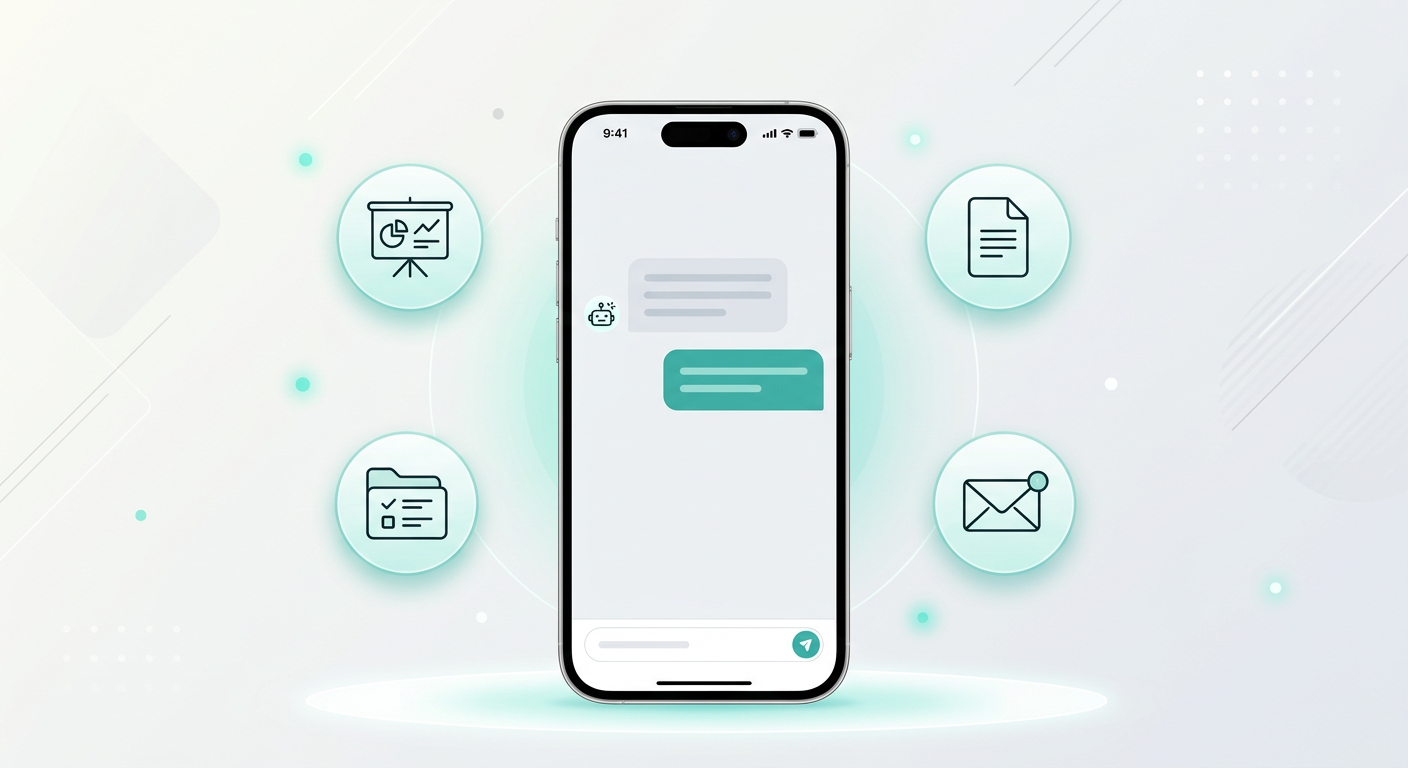
At the core is AssistantCore, a shared Swift package containing the API client, SSE client, and data models. Views are organized by feature — Chat, Tasks, Documents, Slides, Briefings, Extensions, Settings, and more.
SSE on iOS
The SSEClient is implemented as a Swift actor for thread safety. It uses URLSession.bytes to stream SSE events with automatic retry and exponential backoff (up to 30 seconds, max 10 retries). Events are delivered as an AsyncThrowingStream<SSEEvent, Error>, fitting naturally into Swift's structured concurrency model.
Kubernetes deployment
All services are deployed to Kubernetes using Kustomize:
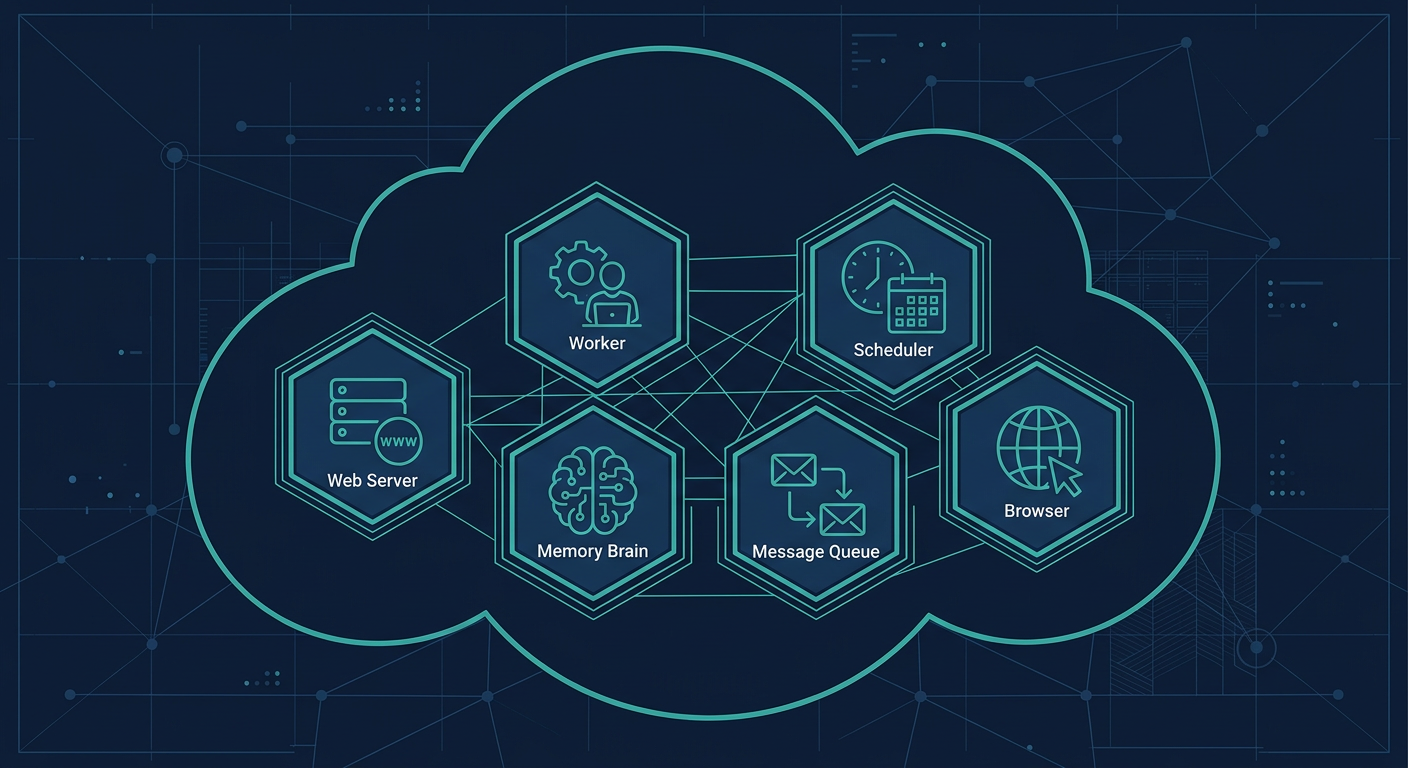
Each service can be scaled independently. The worker pods are stateless — they pull tasks from the shared RabbitMQ queue, so adding more workers linearly increases throughput. The Celery scheduler runs as a single instance with RedBeat ensuring persistence.
Memory: making the assistant remember
Linda uses Mem0 for long-term memory — a vector-store-backed memory service that allows the agent to remember user preferences, past decisions, and context across conversations.
The Mem0 service runs as a separate microservice with a REST API, backed by Upstash Vector for semantic search. When the agent learns something worth remembering (a user preference, a project context), it stores it as a memory. In future conversations, relevant memories are retrieved by semantic similarity and injected into the agent's context.
This is different from conversation history — memories are distilled facts and preferences that persist across sessions and tasks.
Slide generation
One of Linda's more creative features is AI-powered slide generation. When the user asks for a presentation, a specialized sub-agent generates KonvaJS scene JSON for each slide using a detailed design prompt inspired by NotebookLM's style. These scenes are rendered to PNG by a headless Chrome pod running in the cluster, then uploaded with thumbnails to S3. The entire deck can also be exported as a PDF. Five distinct layouts — Cover Page, Section Page, Content, Graph, and Content with Image — keep presentations visually varied and professional.
What we learned
Building a proactive AI assistant taught us that decoupling is everything. Separating the agent loop from the HTTP layer was the single most important decision — it enabled proactive triggers, independent scaling, and protocol flexibility. Without it, none of the cron, webhook, or email triggers would have been practical.
Permissions must be a first-class concern. When an agent can send emails and create tasks on the user's behalf, the permission system needs to be robust and granular from day one, not bolted on later.
On the client side, reliability requires replay. Network interruptions are the norm on mobile, and sequence-numbered chunks with Redis caching made our streaming layer resilient without adding WebSocket complexity.
We also learned that lazy tool loading is essential. With MCP extensions, available tools can grow into the hundreds. Loading them all into the prompt would exhaust the context window; semantic search over tool descriptions keeps things manageable.
Finally, memory is not history. Conversation history is the raw transcript of what was said. Long-term memory is distilled knowledge — user preferences, past decisions, learned context. Both are needed for a truly helpful assistant, and they must be stored and retrieved differently.
Want to see the project overview? Check out the Linda Assistant project page.